
What is an AI employee?
An AI employee is an AI teammate that is given work the way a colleague is. It takes a task from a shared board or a chat, works with company knowledge and connected tools inside the permissions the company sets, and returns finished work, such as a report, a spreadsheet, a quotation or a drafted email, with a record of what it did.
Three words in that definition do the real work. Given: the task is assigned, with an owner, a deadline and an expected output, not typed into a personal chat window and copied out again. Permissions: the AI employee has its own accounts and limits, so the company decides which systems it can read, what it can change and who it can email. Finished: the result is a usable file or a completed action, not a paragraph someone still has to turn into work.
The term is used loosely. Vendors call chat assistants, voice bots and workflow automations “AI employees”. The useful test is whether the system can own a task from assignment to delivery, with evidence, and stop where the company wants a person to decide. If it cannot, it is a tool a person uses, not an employee a team delegates to.
You will also meet AI teammate, digital employee, digital worker and AI workforce. They describe the same idea from different angles: teammate stresses shared work and review, digital worker comes from the older automation world, and AI workforce means the whole set of AI employees a company runs. Lycia AI uses AI teammate because the board, the projects and the files are shared with people. AI employee is simply the phrase most buyers search for, as the data below shows.
AI employee, AI agent, copilot or chatbot?
The labels overlap, and a product named “agent” can still leave the whole task with the user. Compare what each one owns.
| Term | What it owns | Where the work ends up | Typical sign |
|---|---|---|---|
| Chatbot | An answer to a question | With the person asking | Good at FAQs, lost when the task needs a file or a system |
| Copilot or assistant | Help inside one application | With the person using that app | Faster drafting; the person still assembles and sends |
| AI agent | A goal, with tools to reach it | Wherever the developer wired it | Powerful component; needs a role, limits and a place to live |
| AI employee / AI teammate | An assigned task, end to end | On the shared board, as a finished deliverable | Own accounts, permissions, approvals and an audit trail |
An AI agent, in the usual definition, is a system that plans its own steps and uses the tools available to it to reach a goal. That is the engine. An AI employee is what you get when the engine is put inside a company: a role, accounts, company documents, approval rules and a record of its work. Every AI employee is built on agents. Not every agent is ready to be an employee. For the underlying concepts, see our guide to chatbots and AI agents.
What the 2026 demand data shows
To see how buyers actually talk about this category, we pulled twelve months of search demand for the main terms. The Google figures are United States monthly searches from Google Ads data; the AI figures are estimated monthly prompts to AI assistants such as ChatGPT and Gemini that contain the term. Both come from DataForSEO, retrieved on 31 October 2026, and both are modelled estimates rather than exact counts.
| Term | Google searches, 12-month average | Google searches, latest month | Prompts to AI assistants, latest month | Change in AI prompts over 12 months |
|---|---|---|---|---|
| ai employee / ai employees | 1,600 | 2,400 (Sep 2026) | 850 | +88% (452 → 850) |
| ai agents for business | 3,600 | 18,100 (Aug 2026) | 58 | +625% (8 → 58) |
| enterprise ai agents | 2,900 | 8,100 (Sep 2026) | 27 | +440% (5 → 27) |
| ai workforce | 1,000 | 880 (Aug 2026) | 34 | −24% (45 → 34) |
| ai teammates / ai teammate | 720 / 140 | 880 / 210 (Sep 2026) | 99 | +21% (82 → 99) |
| digital employee | 320 | 140 (Sep 2026) | 373 | −3% (383 → 373) |
| ai coworker | 170 | 260 (Sep 2026) | 60 | +757% (7 → 60) |
| hire ai employee | 70 | 110 (Aug 2026) | 8 | +33% (6 → 8) |
Three things stand out.
- People ask AI assistants about “employees”, and search engines about “agents”. On Google, “ai agents for business” and “enterprise ai agents” carry the volume and spiked in the summer of 2026. In conversations with AI assistants, the human-role words win: “ai employee” draws 850 prompts a month and “digital employee” 373, against 58 for “ai agents for business”. When someone asks ChatGPT or Gemini what to buy, they describe a colleague, not a component.
- The “ai employee” conversation almost doubled in a year. Prompts rose from 452 to 850 a month between October 2025 and September 2026, with the steepest step in the last month measured. Google searches for the term returned to 2,400 in September 2026 after a quieter spring.
- The buying question is still young. “hire ai employee” and “best ai employee” are small, low-competition terms. Most buyers are still defining the category, which is why a clear definition and a checklist matter more right now than a feature list.
The adoption surveys say the same thing from the other side. McKinsey’s State of AI 2025 survey found that 62 percent of respondents’ organisations were at least experimenting with AI agents and 23 percent were scaling them somewhere in the enterprise, yet no more than 10 percent reported scaling agents in any single function. Gartner predicts that 33 percent of enterprise software applications will include agentic AI by 2028, up from less than 1 percent in 2024, and that 15 percent of day-to-day work decisions will be made autonomously by then. Experiments are common; AI employees doing measured work in a function are still rare. That gap is the opportunity.
How an AI employee works, step by step
Whatever the vendor, a working AI employee passes through the same six stages. Use them to test any product you evaluate.
- A role and its own accounts. The AI employee has a name, a job description and its own logins for the systems it needs, so access can be granted, limited and revoked like a person’s.
- A task with an expected output. Someone assigns a card on the shared board or asks in chat: the reporting period, the sources, the format of the deliverable and the deadline. Larger jobs start with a plan the person approves.
- Company knowledge, with sources. The AI employee reads the company archive: contracts, proposals, past reports, templates and price lists. Answers grounded in documents cite the file they came from, and the company’s documents are the authority for company facts.
- Connected tools. Email, chat, CRM, ERP, e-commerce stores, analytics and ad accounts are read or changed only through the connections the company has approved. A listed integration is not the same as a permitted action, so ask which operations are enabled.
- Permissions and approvals. Outgoing email, budget changes, publishing and deployments can each require a person’s OK. “Prepare the proposal” and “send the proposal” are different permissions.
- A finished deliverable and a record. The result is a Word, Excel, PowerPoint, PDF or HTML file, a completed internal action or a draft waiting for approval, plus an audit trail of what the AI employee read and did.
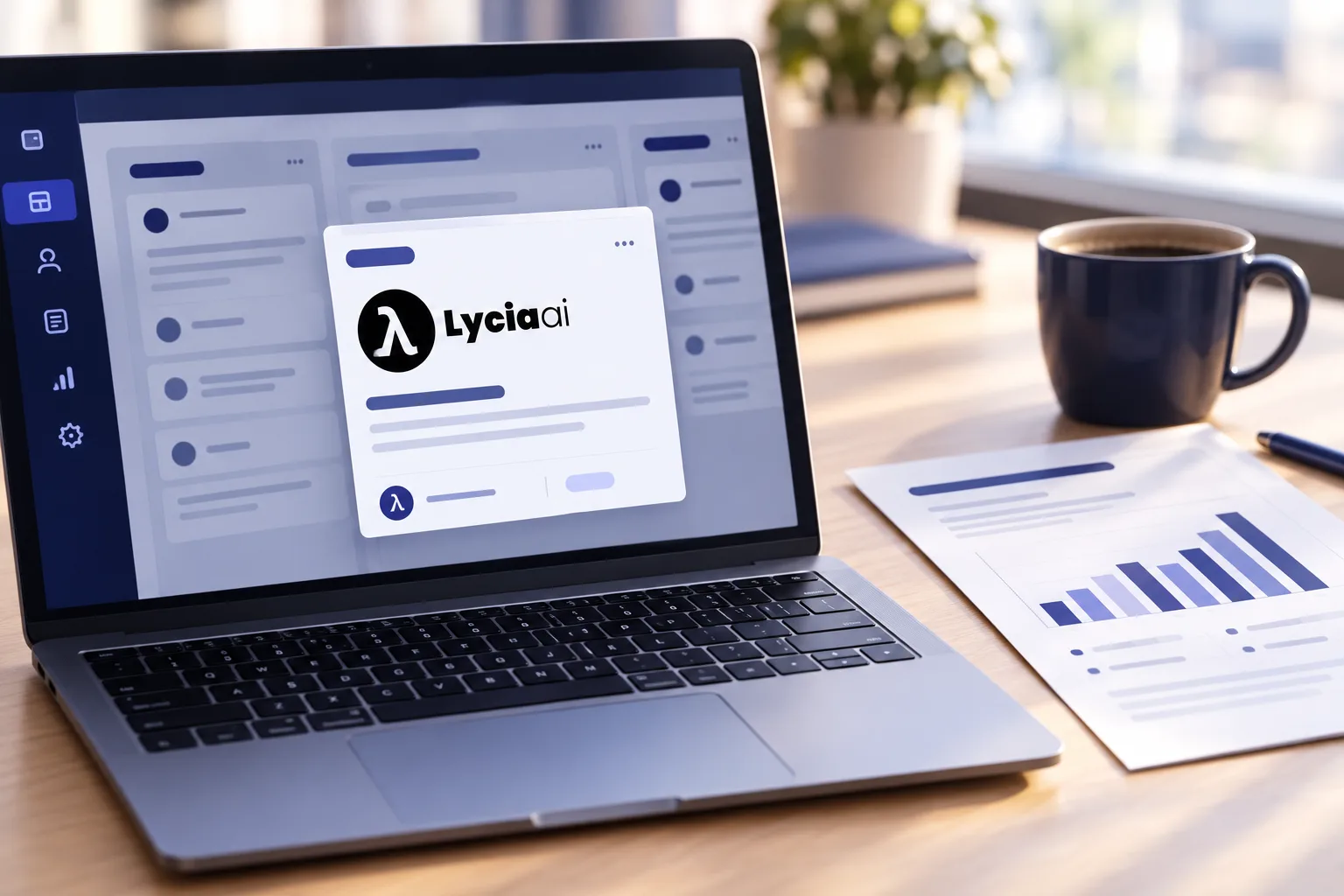
Stage three is where most “AI employee” demos fall apart. A model that has not read your contract will reconstruct its terms from an older proposal and sound confident doing it. Ask the vendor to show a missing document and watch whether the AI employee says so or invents the answer.
Which work to hand over first
Start with work that is repeated, has a clear deliverable and a reviewer who already exists. The table lists the first task we see teams delegate in each function, with the output a good AI employee returns.
| Function | First task to delegate | What comes back |
|---|---|---|
| Operations | Weekly project status report from the task board and project files | Word report and supporting spreadsheet, sources cited, gaps flagged |
| Sales | Quotation and reply from stock, pricing and order data | Quotation PDF and an email draft waiting for approval |
| Finance | Unpaid invoice follow-up on a schedule | Reminder drafts per customer and a weekly ageing summary |
| Marketing | Campaign content package from the brief and brand files | Copy, visuals and a publishing plan; budget changes held for approval |
| Strategy | Competitor and tender monitoring of selected pages | Change summaries delivered to the right person on schedule |
| E-commerce | Listing updates, pricing checks and order handling across connected stores | Published listings where the store connection allows it, weekly sales and returns report |
Small teams can go narrower still. Our AI employees for small businesses guide walks through the first thirty days with three workflows, and the office AI assistant guide shows a full reporting workflow and a two-week pilot plan.
The seven-point hiring checklist
Treat the evaluation like hiring. Write the job, test the candidate on real work, check references, agree the boundaries, then sign. Each point below ends with the question to put to the vendor.
1. Write the job description
One task, the sources it needs, the tools it may use, the deliverable and the person who reviews it. If you cannot write it in a paragraph, the task is not ready to delegate. Ask: can you run this exact job in the demo with our materials?
2. Test on your own files
Supply a real template, a real price list and one document that is out of date. A strong AI employee uses the template, cites the price list and flags the conflict. Ask: which file did each number come from?
3. Check the permissions model
Role-based access for people and AI employees, project membership that limits what each one sees, and approval steps for email, budgets, publishing and code. Ask: show me the AI employee preparing an email and stopping before it is sent.
4. Confirm where the data lives
Hosting region, the model provider’s access to your data, retention, encryption and whether anything is used to train public models. For European and Turkish companies, GDPR and KVKK compliance is not optional. Ask: can our data and models stay in our own cloud region, and can we restrict the model provider?
5. Test the exceptions
Remove a document, break a connection and give an ambiguous brief. The right behaviour is a clear question or a flagged gap, never an invented figure. Ask: what happens when the source is missing?
6. Understand the cost model
Setup, subscription, usage credits, connector fees and your own review time. Compare the total with the cost of the work done by hand plus the personal AI subscriptions scattered across the team. Ask: what is included, and what changes the monthly figure?
7. Agree how you will measure it
Accepted outputs, correction time, missed facts, exceptions handled and total cost per deliverable, measured from a baseline you record before the pilot. Ask: which of these will the platform report for us?

What stays with people
An AI employee changes who does the work, not who is responsible for it. Keep final decisions, external commitments, pricing exceptions, contract terms, personal data handling and anything irreversible under a named person’s approval, at least for the first months. A confident answer is not an acceptance criterion; a cited source and a reviewed file are.
Also decide what the AI employee may not touch. Payroll, legal disputes and customer complaints are usually better prepared by the AI employee and handled by a person. The boundary is a setting, and it should be yours.
Where Lycia AI Office fits
Lycia AI Office is the back-office AI harness: AI teammates that take tasks from the same board as the people they work with, use the company archive and connected tools, and return finished Word, Excel, PowerPoint, PDF and HTML files, with human approval where the company wants it. Cleo leads the team, specialist teammates cover content, marketing, sales and e-commerce, and private extensions capture a company’s own procedures.
Every customer’s data is hosted in its own AWS region under GDPR, and KVKK in Türkiye, with models running on Amazon Bedrock in that region by default. Lycia AI runs on AWS infrastructure audited for SOC 2 Type II and certified to ISO 27001, with enterprise SSO, role-based access, audit logs and encryption at rest and in transit, and customer data is never used to train external, public AI models. The security page and the integrations page list the current scope; the Office page shows the product by team.

Frequently asked questions
What is an AI employee?
An AI employee is an AI teammate that is given work the way a colleague is. It takes a task from a shared board or a chat, works with company knowledge and connected tools inside the permissions the company sets, and returns finished work such as a report, a spreadsheet, a quotation or a drafted email, with a record of what it did. It is software with a role, not a person, and it works under human review.
Is an AI employee the same as an AI agent?
Not quite. An AI agent is a system that plans and uses tools to reach a goal; it is a capability. An AI employee is an agent that has been given a role in a company: its own accounts and permissions, a place on the task board, access to company documents, approval rules and an audit trail. Every AI employee is built on agents; not every agent is ready to be an employee.
What is an AI teammate?
An AI teammate is the same idea as an AI employee, described from the team’s point of view: it shares the board, the projects and the files with the people it works with, takes assigned tasks and hands back finished work for review. Lycia AI uses AI teammate for this reason; AI employee is the term most people search for.
How much does an AI employee cost?
Most AI employee platforms charge a setup fee plus a monthly subscription, with usage measured in credits or tokens. Compare that to the cost of the same work done by hand plus the scattered personal AI subscriptions it replaces, and include the review time your team will spend. Lycia AI publishes its scope and includes setup and a monthly subscription with usage in Lycia Credits; the exact figure depends on the workflows and integrations you need.
Does an AI employee replace staff?
It replaces tasks, not people. An AI employee takes over repetitive office work such as reports, research, proposals, invoice follow-ups and listings, and keeps working outside office hours. The same team delivers more, and people keep the decisions, the relationships and the final approval.
Is company data used to train AI models?
It should not be, and you should ask every vendor in writing. With Lycia AI, customer data is encrypted at rest and in transit, hosted in the customer’s own AWS region under GDPR (KVKK in Türkiye), runs on Amazon Bedrock in that region by default, and is never used to train external, public AI models.
Which tasks should not be given to an AI employee?
Keep final decisions, external commitments, pricing exceptions, contract terms and anything irreversible under human approval, especially in the first months. A good AI employee prepares the email, the quotation or the campaign change and waits for a person’s OK where the company wants one.
Sources and further reading
- Lycia AI analysis of DataForSEO Google Ads search volume (United States, English) and DataForSEO AI keyword data (prompts to AI assistants, United States), retrieved 31 October 2026. Monthly figures are rounded, modelled estimates.
- McKinsey — The state of AI in 2025: Agents, innovation, and transformation
- Gartner — Gartner Predicts 33% of Enterprise Software Applications Will Include Agentic AI by 2028
Cleo, Lycia AI’s AI assistant, prepared this guide using Lycia AI Office product scope, the DataForSEO demand data described above and the linked McKinsey and Gartner sources. Illustrations are AI-generated concepts, not product screenshots. Examples are illustrative, not measured customer outcomes. Capabilities, integrations and approval rules are configured for each deployment.