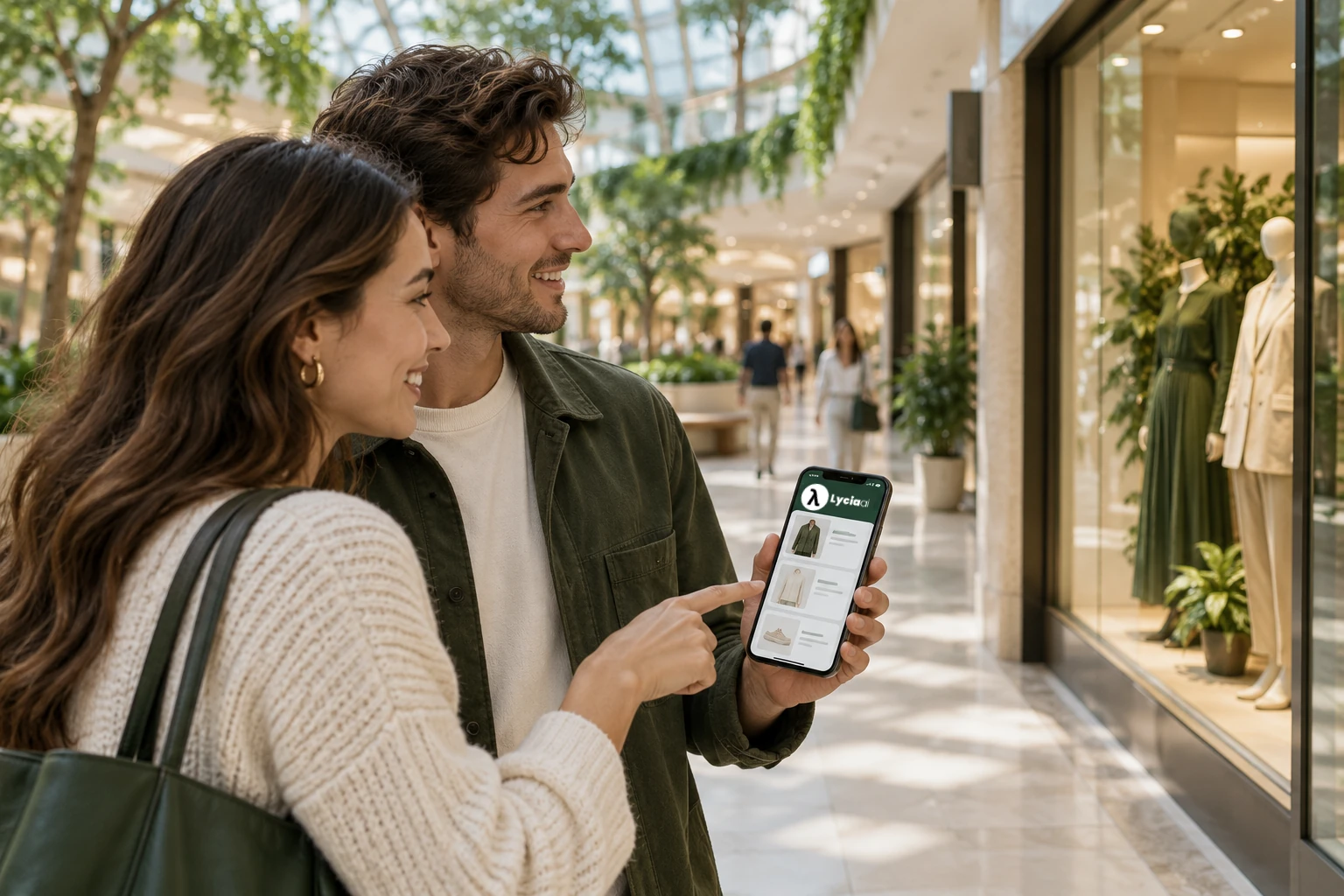
Help more tenants become part of the visit
A guest may arrive for one store and have several needs during the visit. A birthday gift can lead to a bookshop, a homeware store or a café break. Useful shopping assistance gives those tenants a chance to be discovered at the moment their offer fits.
Lycia supports two kinds of commercial opportunity. Upsell helps a guest consider a useful listed menu upgrade or meal bundle within their budget.
Cross-sell connects the main choice to a complementary destination, such as coffee after gift shopping. Both start with the guest’s request and the information the mall actually has.
A directory answers “Which stores are here?” Mia also helps with “Which of them fits what I need?” It can give a short list and explain each choice. That makes discovery easier for the guest and creates a useful place for tenant campaigns.
| Guest question | Information Mia needs | Useful next step |
|---|---|---|
| “Where can I find a gift?” | Store categories and maintained tenant descriptions | Compare a few relevant stores |
| “What can I eat on this floor?” | Menus, item prices and the stated floor | See suitable dishes and venue details |
| “How do I get there from this café?” | The named café, destination and approved map | Follow clear landmark-based guidance |
That is the role of Lycia AI for malls: connect a guest’s need with information the mall and its tenants maintain.
Let guests describe what they need in their own words
Useful context can be part of an ordinary sentence. Guests should not have to fill in a long form before they get help.
Here is an illustrative exchange using Lycia Park’s fictional menu and demo USD prices:
Guest: “I’m on the second floor. I want a vegetarian main under $20, without milk.”
Mia: “Garden Kitchen’s Green Garden Bowl is one option on L2. Its listed demo price is $14.50, and the recipe tags and ingredient record fit those limits.”
This illustrative exchange gives Mia a floor, a price limit, a diet and an ingredient to exclude. The food search checks the menu catalogue rather than guessing from a restaurant name.
If no item fits, the answer should say so and ask whether the guest wants to change one limit.
The budget applies to each listed item. A cheap drink does not make a full meal fit the same budget. Separately priced extras need to be considered when the guest asks about a complete meal.
For store discovery, Mia uses the requested category, stated floor and maintained store descriptions. If the guest only says “a gift,” one useful question about the recipient or type of gift can narrow the choices.
Keep the conversation tied to the task. A guest can share the detail that helps them choose, without building a detailed profile.
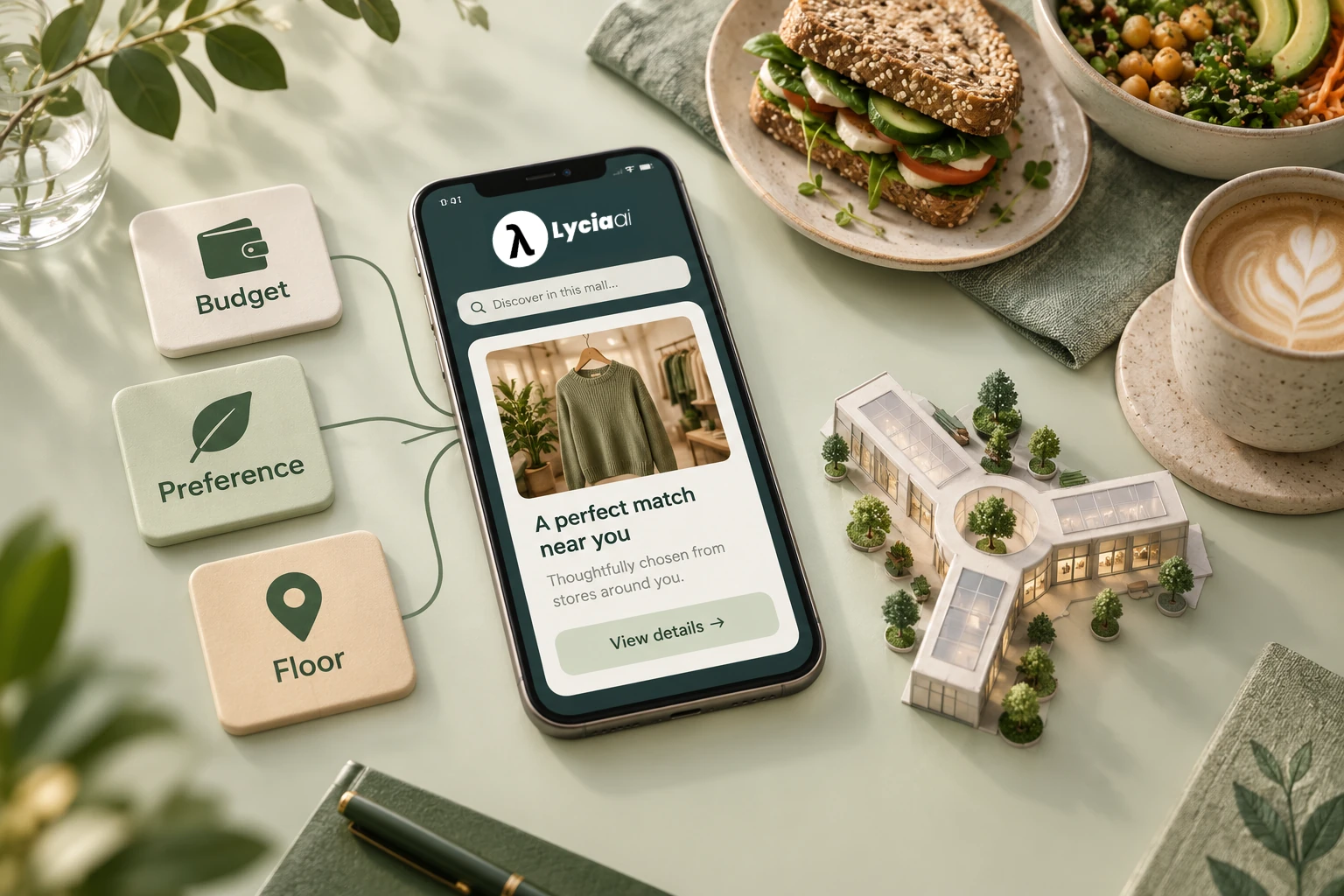
Check menu constraints before choosing recommendations
A recommendation earns trust when it fits the request. Lycia’s food search uses available listed menu items and applies the supported constraints before recommendation ranking:
- The maximum price for each item.
- Vegetarian or vegan preference where the menu has that tag.
- Supported declared ingredients the guest wants to exclude, such as milk or sesame.
- The requested floor.
A higher advertising bid cannot make a missing dish appear or make an item pass a failed menu filter. The assistant should explain the actual match: a listed dish, a price and a floor that fit the request.
Menu labels describe the information supplied by the venue. They do not confirm kitchen preparation conditions. A guest with an allergy should check with the venue; Mia should not turn an ingredient filter into a safety guarantee.
Store hours and status also help guests assess a choice. Keep them visible and current. During setup, check what the assistant says when a store closes early or a menu record is incomplete.
Give a short list, with a clear reason for each choice
Mia can show up to three selected place cards rather than fill the chat with the whole directory. The card carries useful facts such as the store name, floor, unit and hours. The reply explains why the choice suits the guest.
Guest: “A birthday gift for someone who loves reading. I’m near Daily Grind.”
Mia: “Little Chapters on L1 offers books and stationery. It is a relevant place to start for a reader; I can help with the way from Daily Grind.”
In fictional Lycia Park Mall, the directory includes Little Chapters, a books and stationery store. Its category and description can support a relevant suggestion.
For a particular title, size or stock check, the next step is to ask the store. The mall catalogue supports store discovery through categories and descriptions.
Eligible sponsored choices may appear alongside organic choices. A paid placement carries a Sponsored label. The personal reason should still explain the fit, rather than suggest that payment makes a store better.
A useful cross-sell comes from the wider visit, not just repeating a request for a café. If the guest mentions meeting a friend after choosing a gift, an eligible coffee stop or café offer can become a relevant next idea:
Guest: “I’m meeting a friend after I choose the gift.”
Mia: “If you’d like a place to catch up, Daily Grind on the ground floor could be a useful next stop. It lists specialty coffee and pastries.”
The stated plan creates a reason for the extra suggestion. The bookshop and café serve different needs in one visit. The café has a new discovery opportunity without replacing the gift choice. If a suitable configured campaign is active, its offer can be part of that suggestion.
For dining, a guest comparing one dish could also see a listed meal bundle when the menu includes one. Check the full bundle price and the guest’s preferences before suggesting it as an upgrade. A useful extra should feel like help and remain optional.
The mall advertising guide explains campaign controls and paid placements in more detail.
Give tenants new opportunities and the mall a new ad channel
The commercial value starts with a better match. A shop can reach a guest who asks for its category rather than its brand. A café can become the next stop after a gift choice. A dining tenant can present a relevant listed bundle instead of an unrelated offer.
- More discovery opportunities: connect store categories and descriptions to what guests ask for.
- Useful upsell: surface a listed menu upgrade or configured meal bundle that fits the stated budget and preferences.
- Relevant cross-sell: suggest a complementary tenant or destination with a clear reason.
- A paid channel for the mall: offer eligible sponsored recommendations inside the shopping conversation.
Participating tenants can fund relevant sponsored campaigns. The mall gains advertising inventory at a moment when the guest has expressed a need. The mall advertising guide covers campaign controls, budgets and the charge for a selected eligible sponsored recommendation.
Good tenant data makes these opportunities useful. Dining tenants keep dishes, serving prices and recipe tags current. Shops maintain clear categories and descriptions. A changed store name, hour or menu should reach Mia through the agreed content process.
Review guest questions for gaps: a common store nickname, an unclear entrance or a category with poor descriptions. Fixing those records improves the basis for recommendations. Keep owners clear so staff know who can update an answer.
ICSC and McKinsey’s report describes shopping trips focused on convenience or discovery. Mia can support both: help a guest complete a task and, when useful, discover another tenant along the way.
Use the landmark the guest names for the next step
Once the guest chooses a store, the next question is often “How do I get there?” They can simply tell Mia where they are: “I’m near Daily Grind” or “I’m by the main entrance.”
Mia resolves the stated store or landmark through the configured mall directory. With approved route information, it can use known galleries, store fronts and floor connections to explain the way. It should ask one short question if a name could mean two places or the starting point is unclear.
A step-free request depends on checked lift and floor-link information. If the route cannot be confirmed, guide the guest to visitor services. A staff transfer requires a connected workflow.
When browser voice is enabled, guests can ask spoken questions about the configured mall catalogue and compare up to three suitable choices. Voice guidance can identify a venue’s floor and unit. For detailed walking instructions, use the map or text guidance, or ask the welcome desk.
W3C’s guidance on directions highlights recognizable landmarks and support for orientation. The mall wayfinding guide applies that idea to maintained mall information.
Keep personal help focused on the current visit
In chat, recent conversation context can make help easier. If the guest has already chosen a bookstore, a follow-up about coffee should not restart the visit from scratch.
Ask only for information that helps the task, and explain why it is useful. Keep service preferences separate from permission for marketing. The mall should set clear rules for access, storage and deletion.
A useful place card gives the guest a choice and a next step. It is not a booking or payment. Make that distinction clear when a guest asks to take an action.
Bring the right information to a Lycia mall demo
Start with the questions guests ask your team today. Then gather the records that can answer them. A useful setup conversation is about your actual tenant mix, not a perfect sample question.
| Content | Owner to name | Check before launch |
|---|---|---|
| Store guide | Mall directory team | Names, aliases, category, floor and unit |
| Menus and store descriptions | Participating tenant | Store offering, dishes, item prices, availability and recipe tags |
| Hours and changes | Mall operations | Who updates exceptions and missing records |
| Maps and guidance | Mall operations | Named entrances, landmarks, lifts and approved routes |
| Guest support | Visitor services | Enabled channels, contacts and connected handoff scope |
Ask the Lycia team to show a constrained food search, a gift request, a store question the directory cannot answer and directions from a named store. Check that the answer uses the right records and asks a clear question when something is missing.
Explore Lycia Park Mall to browse four floors and 96 fictional venues. This public preview shows store and map browsing. For a service built around your mall, book a Lycia AI Malls demo and bring your directory, representative menus and common guest questions.

Frequently asked questions
How is a physical-mall AI shopping assistant different from an online-store assistant?
A physical-mall assistant helps guests choose stores, dining and services during a visit. Lycia uses the mall directory, listed menus, stated needs and named landmarks to connect discovery with the next destination. The experience is distinct from an online-store cart and checkout.
How is a mall shopping assistant different from a store directory?
A directory lists places. A shopping assistant uses the guest’s request and maintained store descriptions or menu information to suggest relevant choices, explain the fit and help with the next step. Lycia connects this service to the mall’s records.
Can Mia respect food budgets, diet and floor preferences?
Yes, where the menu contains the required fields. Lycia searches available listed items and applies per-item price, vegetarian or vegan tags, ingredient exclusions and floor constraints before ranking. A recipe tag is not an allergy-safety guarantee.
Can Mia find a suitable shop without knowing its brand name?
Yes. The guest can describe the type of store or what they are looking for. Mia uses the maintained category, description and stated floor to find relevant places. For a specific retail item, size or stock check, the guest should ask the store.
Can I just say which store I am near?
Yes. Mia can use a store, entrance or landmark named in the conversation as the starting point, resolving it through the configured mall directory. An unknown or ambiguous name needs a brief clarification.
Do sponsored stores replace ordinary recommendations?
Lycia can return eligible sponsored choices and organic candidates. Sponsored candidates rank first when they fit the supported request constraints and advertising rules, and their cards are labelled. The final list is capped at three; each answer need not contain both types.
What should our mall bring to a demo?
Bring a store directory, sample menus, floor maps and common guest questions. Identify the people who own updates and visitor support. The Lycia team can show how the service would use those records and which channels and workflows need configuration.
Sources and further reading
Cleo, Lycia AI’s AI assistant, prepared this guide using Lycia AI Malls product scope and the linked ICSC, IAB and W3C authority sources. Lycia Park Mall examples and images are fictional. Directory, campaign, channel and route data are configured for each client deployment.