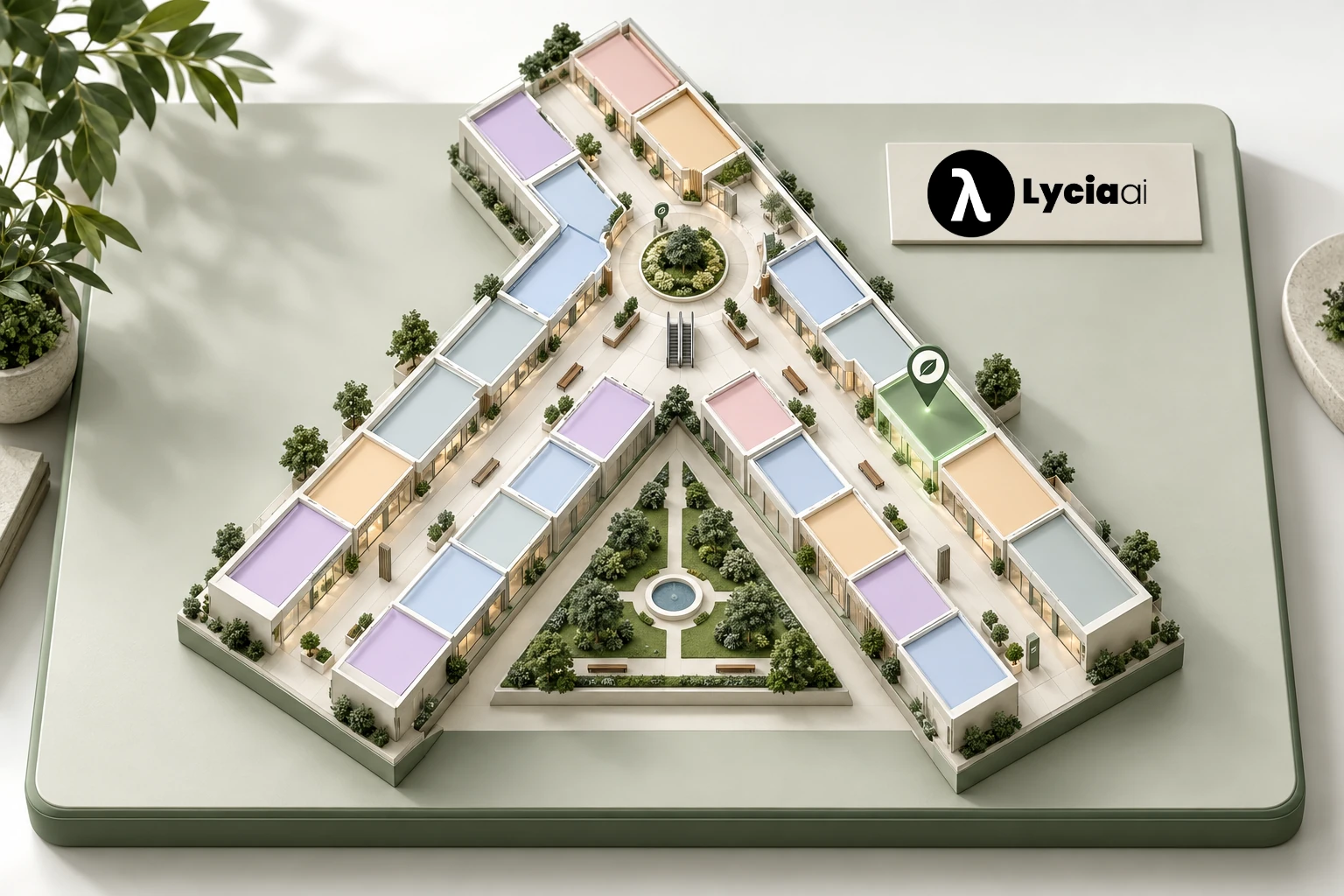
Turn “I’m near this store” into a useful starting point
A visitor does not need to know a unit number or choose a point on the map. They can tell Lycia, “I’m near the entrance,” “I’m outside the café,” or “I’m near this store.” Lycia uses the place they name to understand where their route should begin.
For this to work, the directory must connect the name people use with the right floor and unit. A store may be known by its full name, a shortened name or the sign above its door. Those names should lead to the same record.
The destination can be a place the visitor names or a store they have just chosen from Lycia’s recommendations. Asking for directions to that chosen store should continue the journey rather than start another search.
- Directory: store and service names, categories, floors, units and hours.
- Map: the places and floor connections guests can recognize.
- Starting point: the nearby store, entrance or landmark the visitor describes.
- Route: checked instructions between that starting point and the destination.
If there are two matches, Lycia asks one focused question. If a name is missing from the directory, it asks for another visible reference. A useful answer starts with the right place, not a confident guess.
This is indoor wayfinding built around the places a guest can describe: store names, entrances and known floor connections.
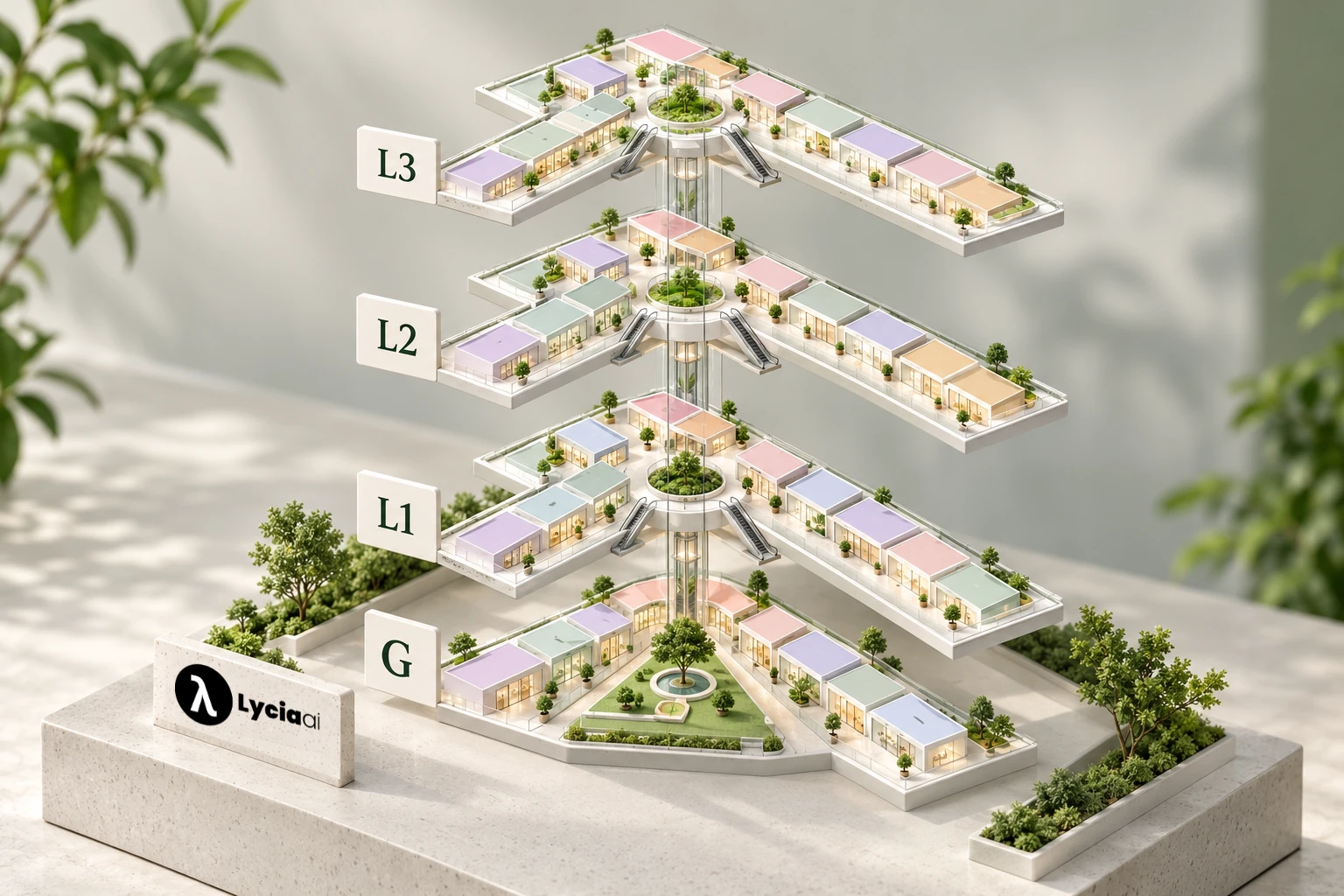
Keep the interactive mall directory and floor maps current
Visitors use what they see in the building. If a store has changed its name but the directory still uses the old one, the assistant and the sign tell different stories. The same problem appears when a temporary shop moves or a lift becomes unavailable.
Give each important record an owner. Leasing or mall management can approve store names and categories. Tenant teams can confirm hours. Mall operations can maintain floor connections and explain temporary changes to visitor services.
| Information to maintain | Why it matters to the visitor |
|---|---|
| Names and common aliases | “I’m near…” resolves to the place on the sign. |
| Floor and unit | The map and answer lead to the same store. |
| Hours and status | A recommended destination can be checked before the guest goes there. |
| Entrances, galleries and lifts | Directions use recognizable, approved connections. |
| Temporary route changes | Teams know when instructions need review or a staff alternative. |
Review changes before publishing them to guest channels. A renamed shop should not break old searches, and a new map should not leave old route instructions in place.
This is useful daily work, not a one-time upload. The maintained directory supports shopping recommendations and wayfinding from the same store information.
Follow a conversation from store discovery to directions
Consider a guest who has chosen a café from Lycia’s suggestions. Their next question is, “How do I get there? I’m near Daily Grind.” Lycia can use the chosen destination and the stated starting landmark to look up the route.
Daily Grind is a mapped café in the fictional Lycia Park Mall example. The important detail is the flow: visitors describe a place naturally, and Lycia matches it with the directory. Your mall’s experience uses your own maintained store and landmark names.
- Understand the start. Match the named place to its floor and map record.
- Confirm the destination. Use the exact chosen store, not a similar name.
- Give a short walking guide. Use mapped galleries, visible storefronts and floor connections.
- Explain orientation. Tell the guest which fixed landmark to face before saying left or right.
- Reset after a floor change. Give a new reference after the lift or escalator.
“Turn right” is incomplete when the assistant does not know which way the visitor is facing. “Face the atrium, then…” gives the instruction a shared reference. Store and gallery names should stay unchanged in translated directions so the message matches the signs.
When the entrance is unclear, a short question such as “Which entrance are you near?” is better than an unrelated list of stores. When a route cannot be confirmed, the next useful answer is the visitor-services contact or a known reference point.
The interactive mall map for Lycia Park Mall lets guests explore four original floor plans and 96 fictional venues. They can open store details and use zoom or fit. It shows the directory and maps behind the experience; it is not a live client result.
Make the complete route work for the guest
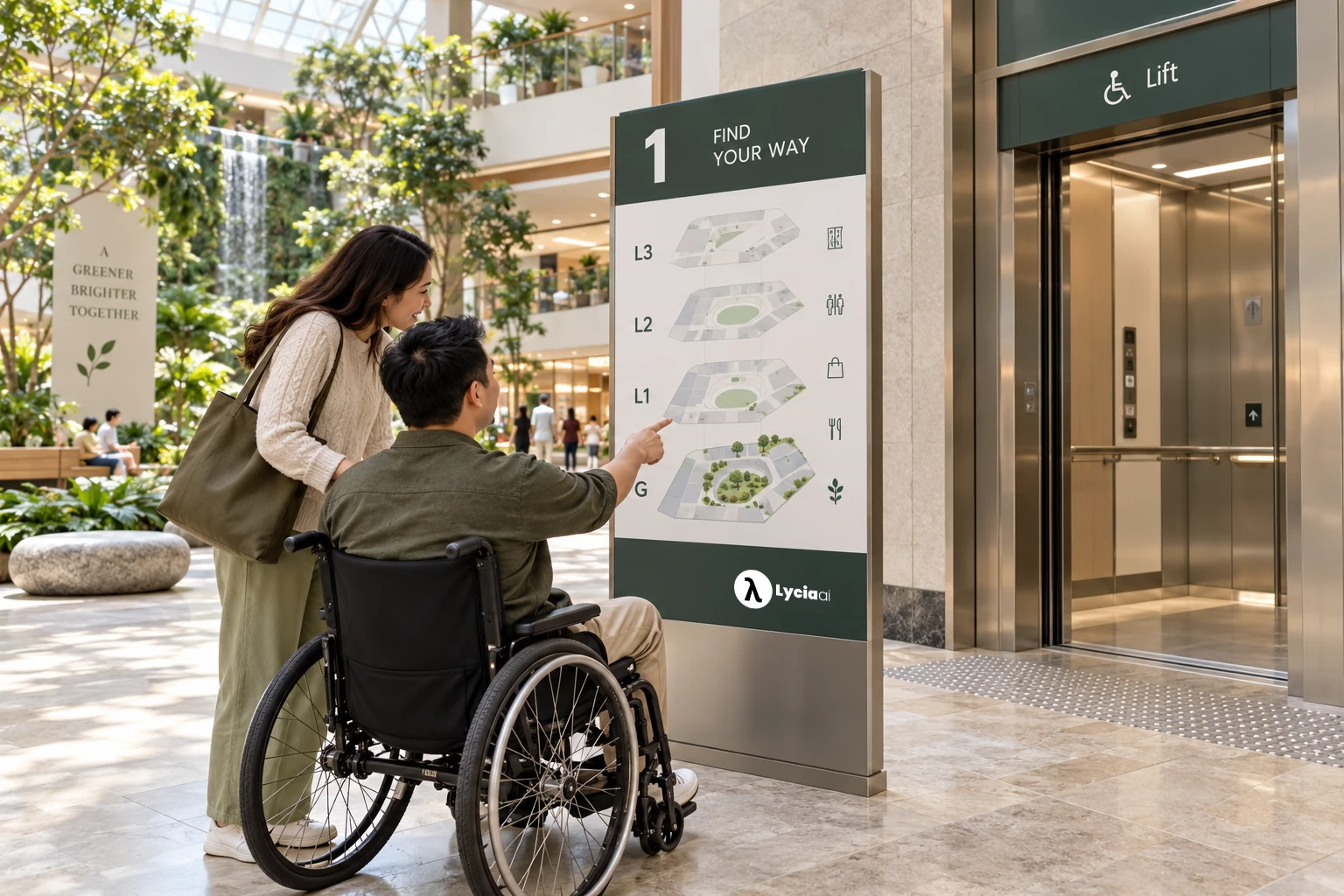
“Can I use a lift?” should change the route the guest receives. A general accessibility note after a route with stairs does not solve the problem. Lycia’s configured wayfinding can use the mapped lift connections for a requested step-free journey.
The mall still needs to verify the physical route. Check the entrance, corridors, lift access and final approach to the store. A route is only useful when every stage works for the person following it.
- Walk representative routes from more than one entrance.
- Check that the lift and floor labels match the signs.
- Use landmarks that visitors can see clearly.
- Keep steps short and explain changes in direction.
- Provide a visitor-services alternative for an uncertain route.
The W3C WAI guidance on directions recommends recognizable landmarks and help with orientation. It is supplemental design guidance, not a certification that a particular mall or route is accessible.
For families with pushchairs and visitors who request a step-free route, clear lift guidance can make the answer more useful. Review key journeys with people who have relevant access needs before treating them as approved routes.
Help tenants win discovery, then make the next stop easy to find
For the mall, directions connect a commercial opportunity with a practical next step. A visitor who discovers a suitable tenant still needs to find the store. Clear guidance helps the tenant become a real destination in the guest’s visit.
A useful shopping recommendation has two parts: why this store fits, and how the visitor can reach it. Lycia connects those steps through the same store record, keeping the floor, unit and mapped destination consistent.
A guest may ask for a gift shop, a vegetarian meal or a café before the cinema. Relevant stores can be discovered through the Lycia AI shopping assistant. Once the visitor chooses a destination, directions should guide them there.
Upselling and cross-selling work best when the extra choice serves the visit. An eligible meal upgrade must still fit the guest’s budget.
A café stop before the cinema should fit their stated floor and plans. The assistant can connect those useful choices with the participating tenants and their mapped destinations.
For tenants, that creates more opportunities to be discovered and considered. For the mall, paid sponsored recommendations create a separate advertising revenue channel. The guest receives an option they can use, while the commercial teams can review the advertising activity.
Eligible sponsored suggestions can support tenant visibility during discovery. They are identified as sponsored. A later question about the selected store’s location is a factual service question, not a reason to replace that destination or create another sponsored recommendation charge.
This creates a practical benefit for the mall and its tenants: visitors get a clearer path from interest to a place they can find. It also keeps the experience useful when the destination is an organic result or a mall service.
The mall advertising guide explains campaign controls and advertising measurement. The route itself stays tied to the chosen destination and approved map information.
Use guest questions to improve the directory
Wayfinding conversations can show where the information is hard to use. Repeated questions about the same entrance may reveal unclear naming. Requests for an old store name may identify a missing alias. A route that needs staff help may need clearer landmarks.
Start with a simple review process rather than a promise that every guest movement is measured. For each recurring problem, record the question, the directory correction needed, the responsible team and the date it was checked.
| Guest question | Useful response from the mall team |
|---|---|
| “I can’t find this store name.” | Check the current name and add the common alias. |
| “Which entrance do you mean?” | Use the same entrance label in the map, signs and instructions. |
| “Can I take a lift instead?” | Review the approved lift connection for that trip. |
| “This shop has moved.” | Correct the floor, unit, map and route destination together. |
Agree which conversation or directory events the client setup can report. A directions request shows intent to go somewhere; it does not confirm a store visit or purchase. Use feedback to improve the service before presenting commercial outcomes.
Prepare a useful Lycia AI mall demo and launch
Bring a representative set of real guest questions to a Lycia AI mall demo. This makes the discussion concrete: your tenant mix, your floor connections and the journeys your visitors ask about.
Prepare the current directory, floor plans, store aliases, entrance names, lift connections and visitor-services contacts. Choose one owner for each record so the assistant and map can stay consistent after launch.
- Ask for a known store from a named entrance.
- Ask from “near” a café using the name on its sign.
- Use a store name that appears on more than one floor.
- Ask for directions after choosing a shopping recommendation.
- Request a step-free alternative between floors.
- Try an old name, an unknown name and a temporarily uncertain route.
A strong demonstration should show how Lycia understands the stated reference, asks a short clarification when needed and uses the exact destination. It should also show how your team corrects the underlying information.
Use the mall systems section to plan the information and the Lycia AI Malls page to see recommendations, tenant advertising and the directory together. Define the enabled guest channels and service responsibilities with our team, then keep the information current as your mall changes.

Frequently asked questions
How does Lycia understand a visitor’s starting point?
Visitors simply tell the AI which store, entrance or landmark they are near. Lycia matches that description to the maintained mall directory and uses the named place to start the route. It asks a focused follow-up if the place is unknown or ambiguous.
Can a visitor ask for directions after choosing a recommended store?
Yes. Lycia can use the already chosen destination and the visitor’s stated nearby landmark. A directions question is a factual lookup; it should not replace the chosen store with a new recommendation.
What does the mall need to provide for AI wayfinding?
Provide current store names and aliases, floors and units, floor plans, entrance and gallery labels, approved lift or escalator connections, checked route information and visitor-services contacts. Assign owners to keep them current.
How should a mall validate a step-free route?
Walk the full route from representative starting points through suitable entrances, corridors and lifts. Check physical signs, temporary-change handling and staff alternatives with people who have relevant access needs.
What can guests do in the public Lycia Park Mall map?
They can browse four original floor plans and 96 fictional venues, open store details and use zoom or fit. It is a directory and map preview, not a client deployment or measured customer result.
Does asking for directions create another sponsored recommendation charge?
No. Guiding the visitor to the store they have chosen is a factual service lookup. The mall advertising flow charges eligible sponsored recommendations separately.
Do directions requests prove store visits or sales?
No. A directions request indicates navigation intent. It does not confirm a store visit or purchase, and Lycia does not count it as a sale.
Sources and further reading
Cleo, Lycia AI’s AI assistant, prepared this guide using Lycia AI Malls product scope and the linked ICSC, IAB and W3C authority sources. Lycia Park Mall examples and images are fictional. Directory, campaign, channel and route data are configured for each client deployment.