For companies too big to run on ChatGPT

AI teammates for your whole company.

Connect email, calendar, Slack, WhatsApp, your CRM and ERP, social channels and documents once. AI teammates take tasks from your board and do the work, around the clock, inside the permissions you set. Everyone sees only what their role allows.

Partners & programs

  • AWS Partner
  • OpenAI Partner
  • Anthropic Startup Program
  • Meta Tech Provider
  • Endeavor Startup
  • İTÜ Çekirdek Alumni

Morning

Every system, connected once, for the whole company.

Email, calendar, Slack, WhatsApp, your CRM and ERP, social channels and documents become one shared knowledge base. Every AI teammate works from it, so nobody pastes company files into a personal chat.

Midday

Everyone sees only what their role allows.

The CFO and a sales specialist ask the same question and get different answers. AI teammates follow the same access rules as people, and data is processed under GDPR, in your own AWS region.

Afternoon

Assign work to an AI teammate the way you assign it to a colleague.

People and AI teammates share one task board. A task moves from To do to Done and comes back with the finished file attached.

Evening

Thousands of visitors, every one answered in their language.

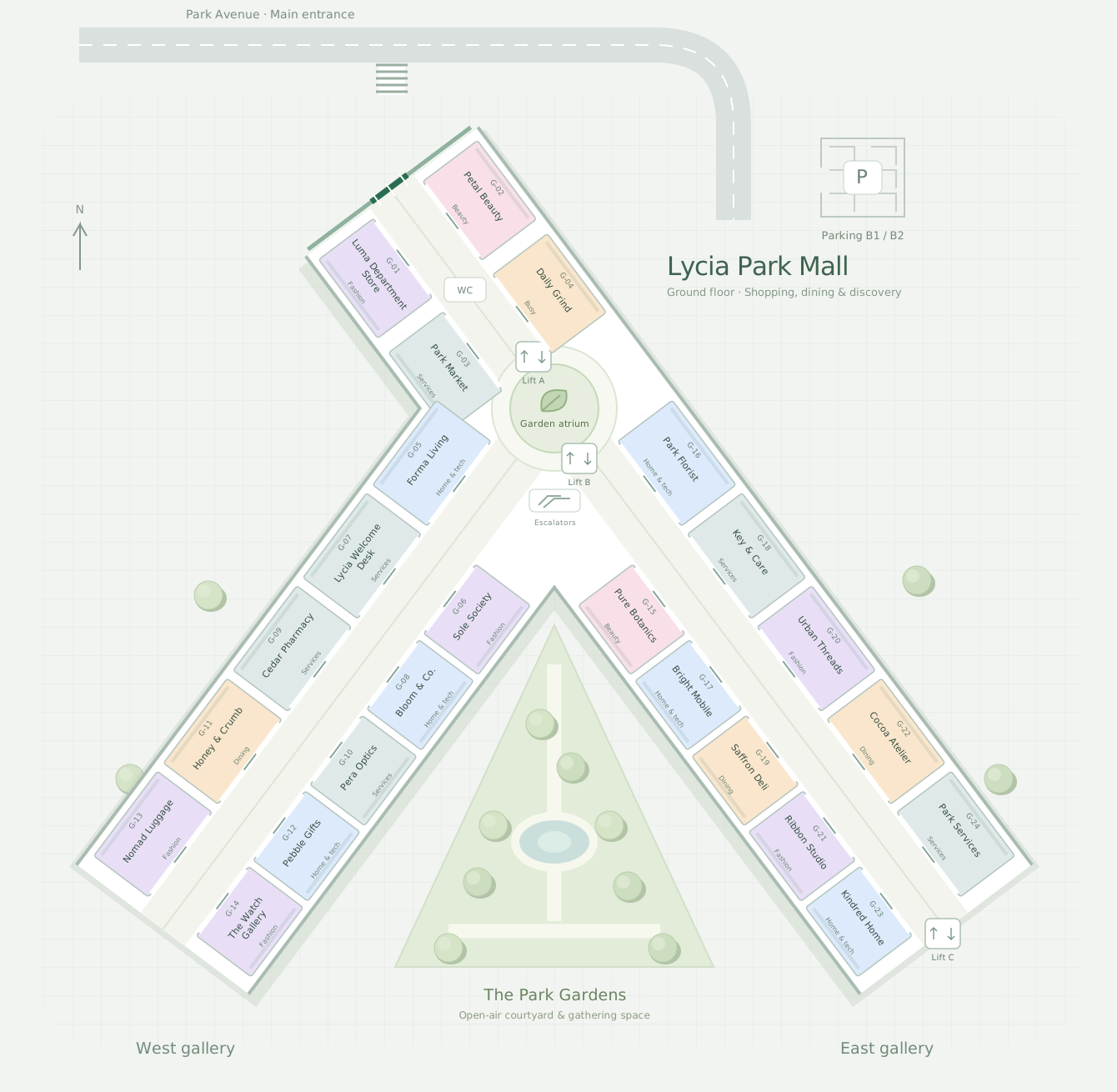
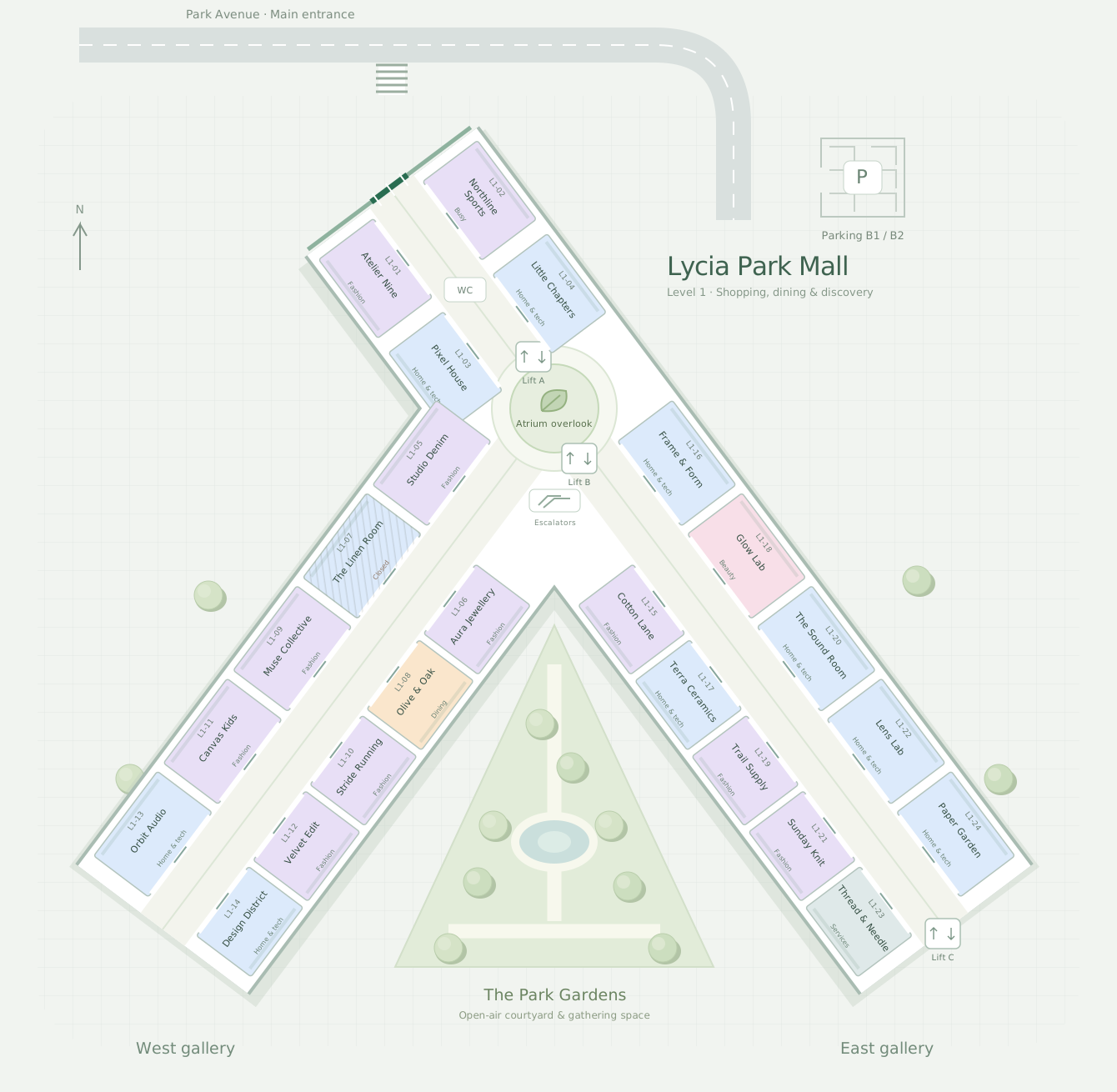
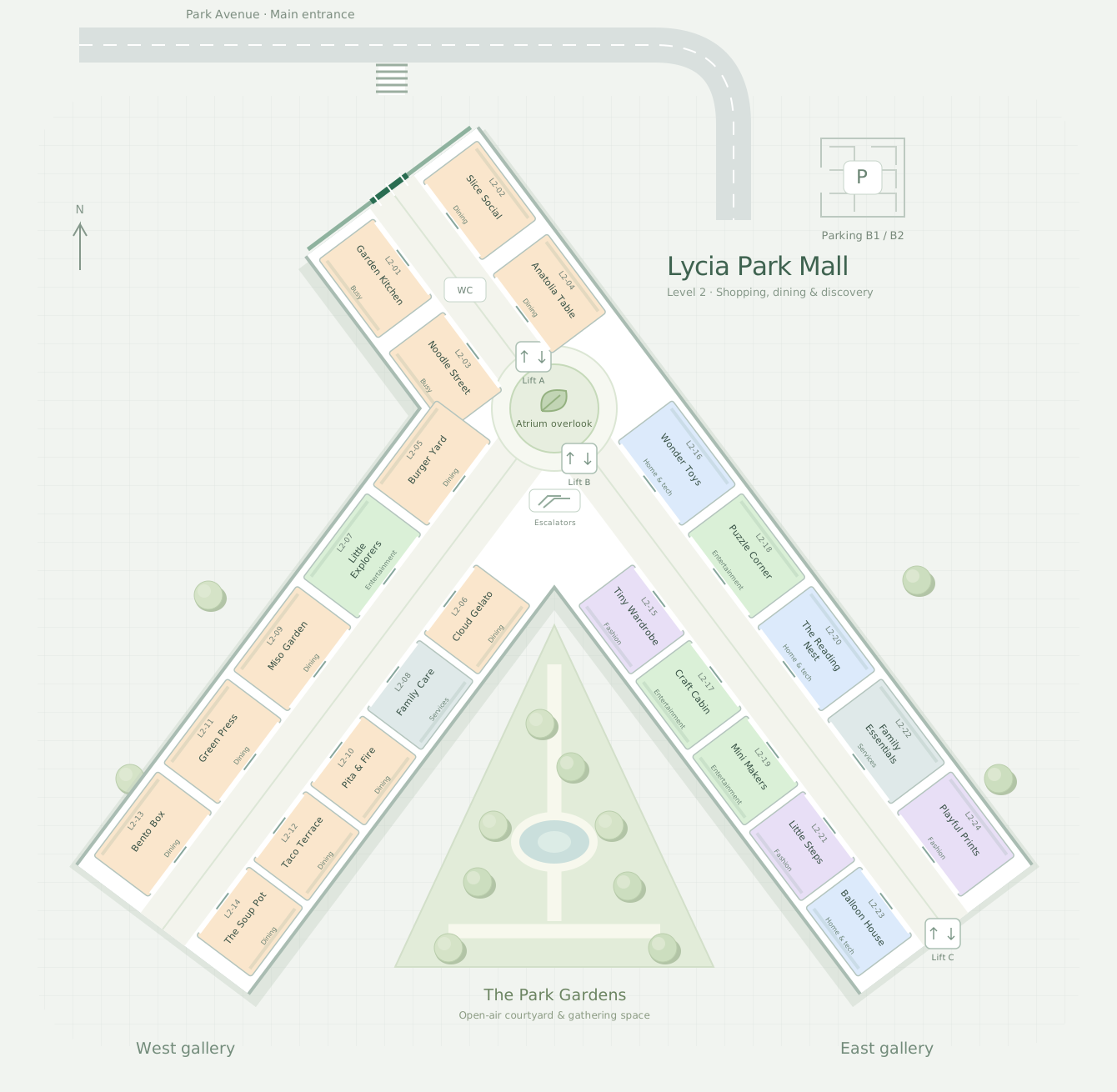
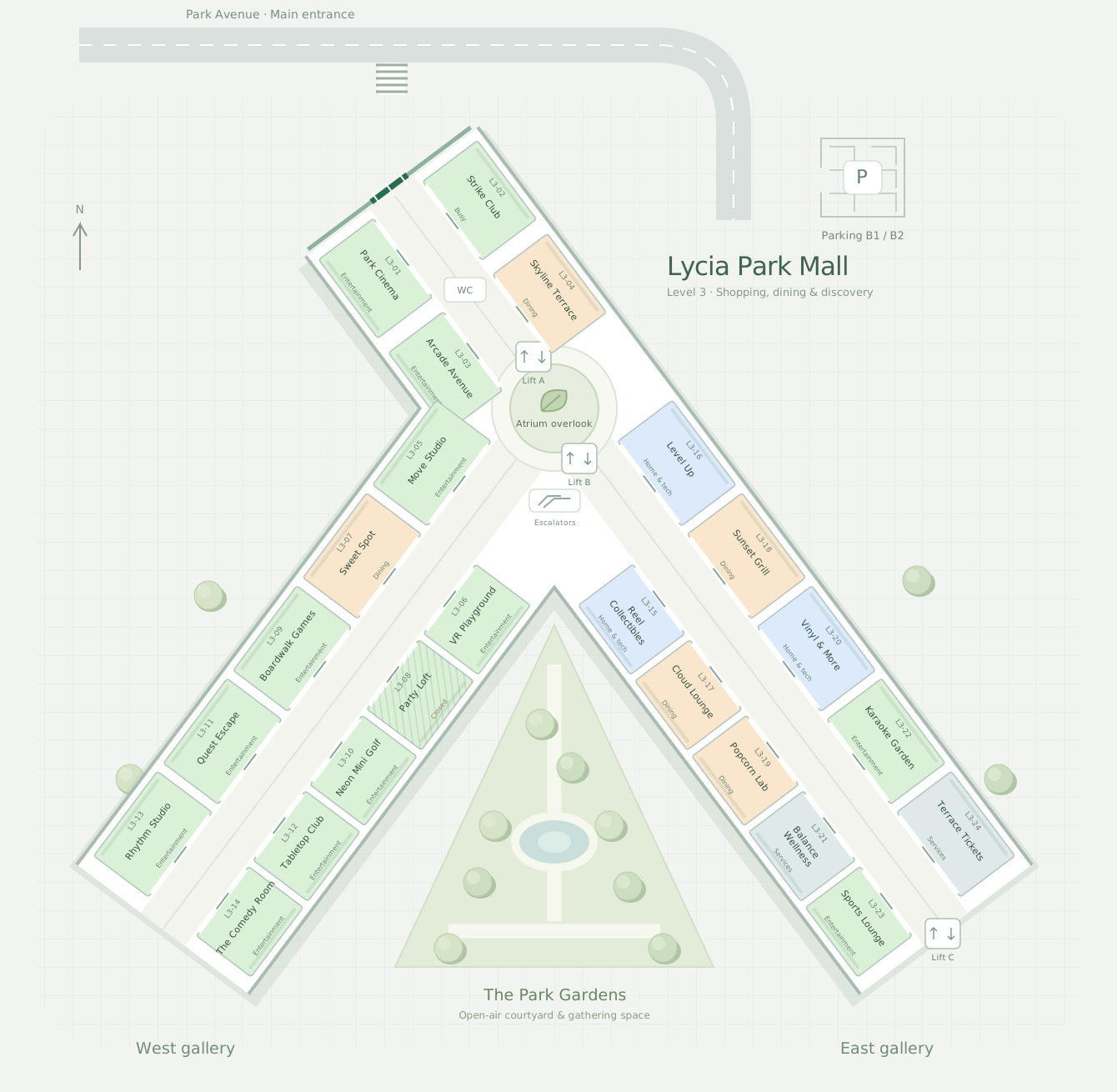
The front office for airports, malls and every place with visitors. Every question can end in a route, a booking or a sale.

Explore Lycia AI Venues

Night

AI teammates keep working while you sleep.

Autonomous, 24/7, within the permissions you set. Give a teammate its own email address and it finds the suppliers, writes the specification and asks for quotes itself. What it may send, share or sign is your call.

Two people can run on ChatGPT. Two hundred can't.

Personal AI accounts work until a company needs to share knowledge without sharing everything with everyone.

  • Whole team, one workspace
  • No personal AI subscriptions
  • Role-based access
  • Autonomous 24/7, within your permissions

One engineering customer

Before: 50 engineers, six monthsWith Lycia AI: 2 engineers, one week

See how Lycia AI compares with ChatGPT, Claude and Copilot

  • 📎Company files pasted into personal ChatGPT accounts
  • 💬Every person starts from zero in their own chat
  • 🔓Either everyone sees the file or nobody can use it
  • A post goes out from the wrong account
  • Nobody knows what was sent to the customer
  • 💤Nothing happens while the laptop is closed
  • 💳One subscription per person, managed by nobody
  • ✈️Customer data leaves the country inside a prompt
  • One workspace, every system connected once
  • One knowledge base every AI teammate works from
  • 🔐Everyone sees only what their role allows
  • AI teammates take tasks from a shared board
  • AI teammates can send from their own email address
  • Each project has its own accounts and permissions
  • Autonomous 24/7, within your permissions
  • 🛡️Your data stays in your AWS region, under GDPR
  • 🧾One plan for the whole company, no personal subscriptions

Connect once. Assign work. Decide what runs on its own.

This is Lycia AI Office, the workspace where your people and AI teammates work together.

  1. Connect

    Upload company documents, invite your team and connect the tools you already use. Each project has its own connected accounts and permissions, so nothing goes out from the wrong one.

  2. Assign

    Put a task on the board or ask in chat. An AI teammate picks it up, and for bigger jobs it shows you its plan first.

  3. Decide what runs on its own

    Get the finished file and a notification. Give a teammate its own email address and let it send on its own, or keep the actions you choose waiting for your OK.

Your people and AI teammates, on one board.

Connect the tools you already use once, by category. Anything else connects through a custom connector, so there is no practical limit to what a teammate can reach.

Every document lands in one company archive with versions and status. AI teammates work from it, and a file is only visible to the projects allowed to see it.

Assign a task to an AI teammate the way you assign it to a colleague. It researches, works and delivers the file.

Each project keeps its documents, notes, members, connected accounts and AI teammate together. Only project members can see it, and a post can't go out from the wrong account.

Ask in chat. The assistant searches your company archive, researches the web and creates real files.

WordExcelPDFEmailSlackGoogleMeta1,000+ integrations

One workspace. Set up for your industry.

The same AI teammates, the same role-based access, the same GDPR rules. What changes is the work: your documents, your systems and the tasks your teams hand over.

  1. InsuranceClaims, policies, regulator reports
  2. AccountingMonth-end close, invoices, client packs
  3. LegalContracts, due diligence, deadlines
  4. EngineeringImpact assessments, site data
  5. Agencies & ConsultingBriefs, tasks, freelancers
  6. MarketingBlog posts, ads, performance
  7. E-commerceListings, pricing, shipping, reports
  8. Venues Lycia AI VenuesHotels, malls, airports, events, restaurants
AI teammate for claimsSet up for an insurance company
GDPR
Claim 4821 · documents
  • Photos of the damage
  • Police report
  • Repair estimate
  • Policy schedule
  • Medical reportRequested from the customer
Summary for the handler

Rear-end collision on 14 Oct, third party at fault.

Repair estimate €3,420, within the policy limit.

Recommendation: approve once the medical report arrives.

Ready for review

Who sees what

  • Claims handler
  • Underwriter
  • Compliance
Explore insurance

Lycia AIVenues

Office works with your staff. Venues works with your customers.

The front office of Lycia AI, for hotels, malls, airports, events and restaurants. Guests ask on WhatsApp, web chat, voice or a kiosk, in 140+ languages. Lycia AI answers, books and hands off to your staff when needed.

Explore Lycia AI Venues

Make every visit more valuable.

Connect tenants, visitor requests and sponsored campaigns in one mall workspace.

Help visitors find a store, floor or route from the landmark they share.

Connect your cameras. When one spots a spill, the AI teammate finds who is on duty on that floor, messages them on WhatsApp and closes the incident once the floor is clear.

Help visitors find stores and dining through web, WhatsApp or browser voice.

A better journey. A clearer terminal.

Bring flights, passenger requests and airport services into one shared view.

Explore how flight schedules may shape movement through your terminal.

Help passengers with their flight and next step through web, WhatsApp or voice.

Every guest known. Every stay personal.

Who is in-house, what they love and the personal touches the AI teammate made for them today, in one view.

Venues knows where a guest is from, which team they support, what they drink and whether they would rather dive or see ruins. The stay is planned around it, with no staff time.

Guests get a personal answer on web, WhatsApp or voice, greeted like regulars.

Security & Compliance

Built for teams that can't afford a leak.

Your data stays in your own AWS region, under your rules. Every person and AI teammate sees only what their role allows.

  • Role-based access
  • Regional hosting
  • Audit logs
  • AES-256 encryption
Powered by AWS

Runs on AWS

Lycia AI runs entirely on AWS infrastructure, audited for SOC 2 Type II and certified to ISO 27001.

GDPR, in your AWS region

We host your data in your local AWS region under GDPR, and the AI models can run there too. When you need it, the database and file storage run on your own servers. Deletion and export on request.

Read the details on our security page.

Ready for your first AI teammate?

Which team needs
backup first?

Tell us which team it is. We reply within 24 hours to set up a call, show you Lycia AI and listen to what you need.

Your backup, waiting for their first assignment.

A short form. No commitment, no sales deck.

Rated 5 out of 5 on Capterra (opens in a new tab)